

Free Tool: Use our Jobsite Solar Generator Calculator to size your solar generator, battery bank, and solar panels in under 2 minutes.
New: You can also use the Missed Call Opportunity Calculator to estimate the potential revenue opportunity associated with unanswered contractor calls.
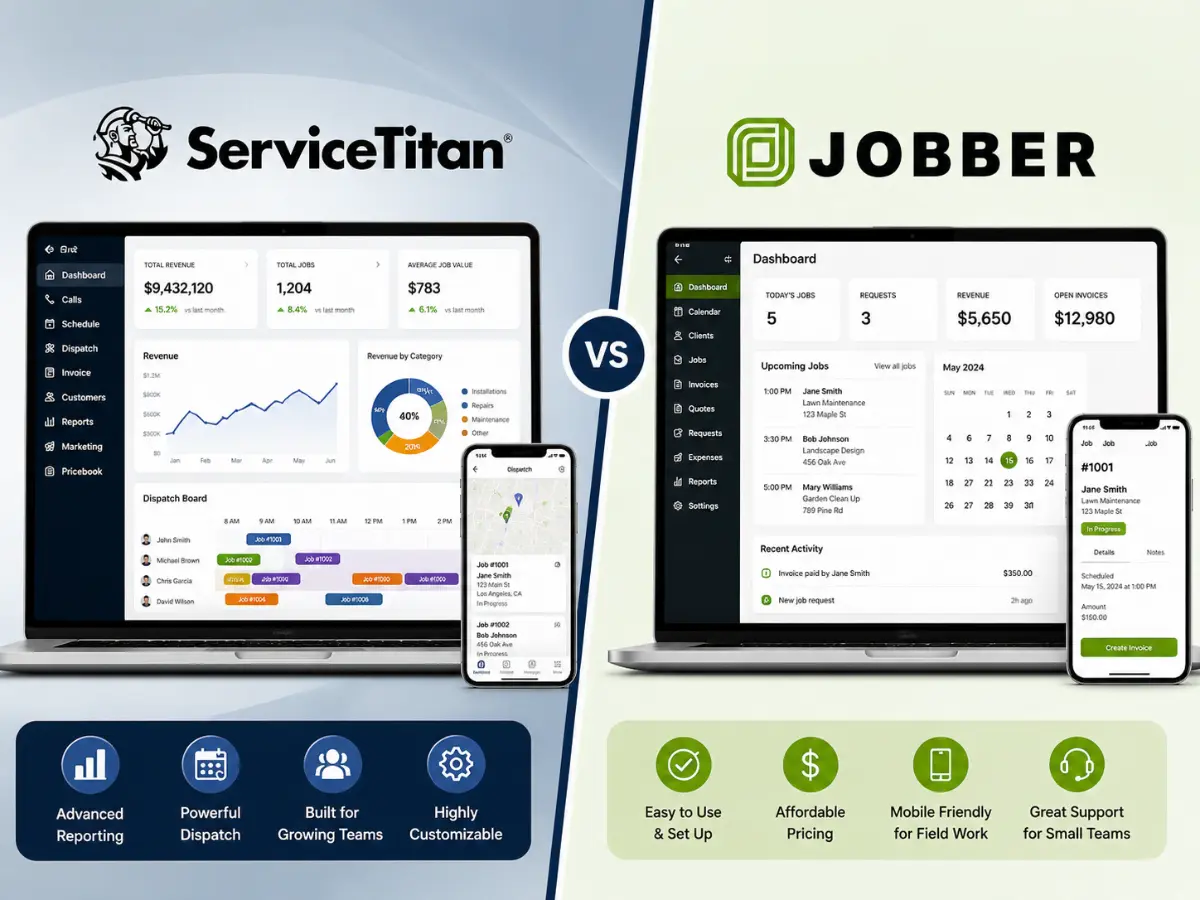
ServiceTitan vs Jobber (2026): Which FSM Software Is Right for Your Crew?
ServiceTitan vs Jobber: Our Verdict
Choosing the right ServiceTitan vs Jobber matters more than ever in 2026. 1–10 techs · Starts at $69/mo · Live in 48h · No implementation fee · 14-day free trial
10+ techs · Custom pricing · 4–8 weeks onboarding · Enterprise reporting · Demo required
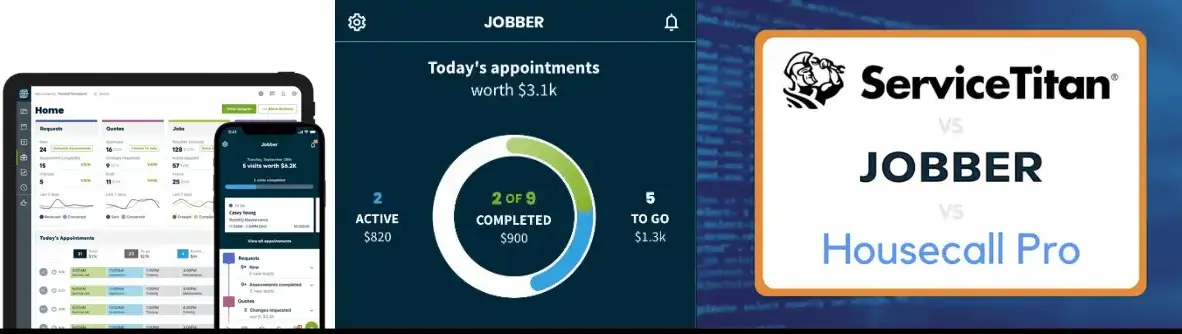
At a Glance: ServiceTitan vs Jobber Compared
| Feature | Jobber | ServiceTitan | Winner |
|---|---|---|---|
| Starting Price | $69/mo (1 user) | Custom (contact) | Jobber |
| Setup Time | 48 hours | 4–8 weeks | Jobber |
| Best Team Size | 1–15 techs | 10–100+ techs | Depends |
| Mobile App | ⭐⭐⭐⭐⭐ | ⭐⭐⭐⭐ | Jobber |
| Job Costing | Basic | Advanced (real-time) | ServiceTitan |
| Marketing Tools | Basic (3rd party) | Built-in (Marketing Pro) | ServiceTitan |
| QuickBooks Sync | ✅ QBO + Desktop | ✅ QBO only | Jobber |
| Inventory Mgmt | Limited | Full inventory control | ServiceTitan |
| Price Book | Basic flat-rate | Full Pricebook Pro | ServiceTitan |
| Ease of Use | ⭐⭐⭐⭐⭐ | ⭐⭐⭐ | Jobber |
| Capterra Rating | 4.6 / 5 (1,373 reviews) | 4.3 / 5 (309 reviews) | Jobber |
| Free Trial | ✅ 14 days | ❌ Demo only | Jobber |
Before we go deep on each platform, one thing worth saying upfront: the ServiceTitan vs Jobber debate is not about which tool is better — it’s about which tool is right for your business size. Comparing Jobber and ServiceTitan is a bit like comparing a pickup truck to a semi — both move cargo, but they’re built for fundamentally different operations. The right choice depends almost entirely on your crew size and where you are in your growth curve.
According to Capterra’s 2026 FSM software rankings, Jobber leads the category with 4.6/5 from 1,373 verified reviews, while ServiceTitan holds 4.3/5 from 309 reviews — a meaningful gap that reflects the complexity difference between the two platforms.
For the full landscape of FSM options including Housecall Pro, Workiz, and Service Fusion, read our guide to the best field service management software for contractors.
Jobber: The Best FSM for Small to Mid-Sized Crews
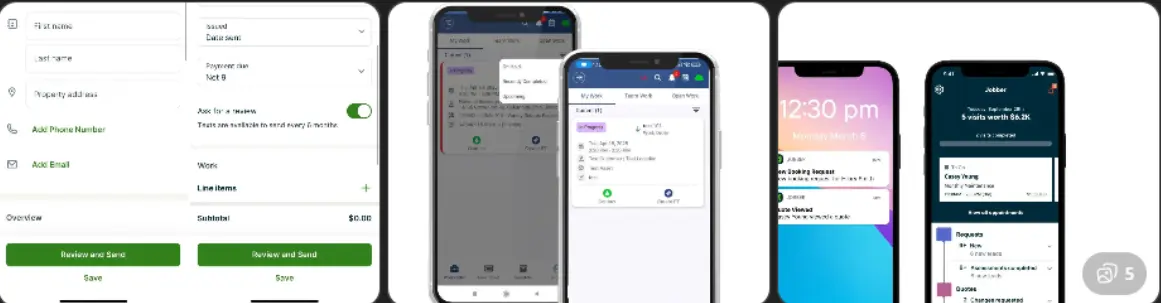
Jobber is the market leader for small to mid-sized US field service contractors, and it’s easy to understand why. With over 300,000 users and a 4.6/5 rating on Capterra from 1,373 verified reviews, it’s the most trusted FSM at the sub-$200/month price point. The platform covers the full job lifecycle — online booking, quoting, scheduling, dispatch, GPS tracking, invoicing, and payment collection — from a single dashboard that most techs can master in a day.
The platform’s standout feature is the Client Hub — a self-service portal where homeowners can approve quotes, pay invoices, and request new jobs without a single phone call. Pair that with automated follow-up reminders and two-way SMS, and Jobber effectively runs your customer communication on autopilot.
What We Liked
- Live in 48 hours — no implementation fee
- Clean, fast mobile app (iOS & Android)
- Client Hub for online approvals & payments
- Automated SMS reminders reduce no-shows
- QuickBooks Online AND Desktop sync
- 14-day free trial, no credit card required
- 4.6/5 on Capterra — highest in category
Limitations
- Per-user cost stacks up above 15 techs
- Basic job costing — needs QuickBooks for depth
- Limited marketing automation (Connect plan+)
- Flat-rate price book less flexible than ServiceTitan
ServiceTitan: The Enterprise FSM for Scaling Operations
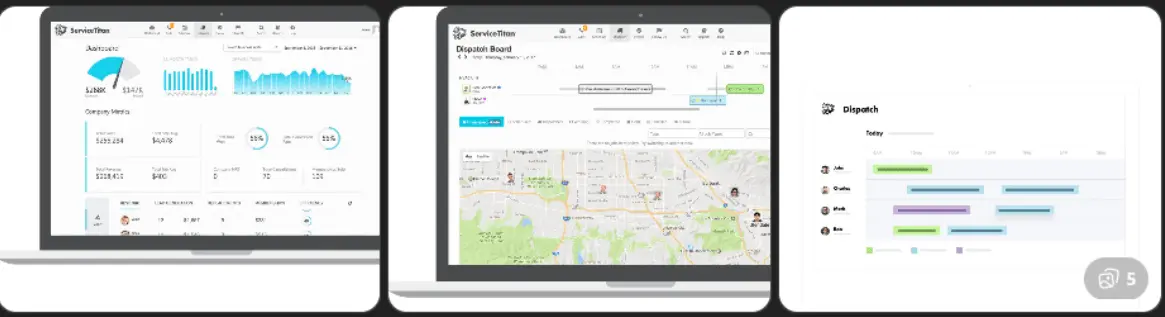
ServiceTitan is the undisputed heavyweight for enterprise-scale field service operations. Built specifically for HVAC, plumbing, electrical, and roofing companies, it goes far beyond scheduling and invoicing. Real-time job costing, built-in marketing automation (Marketing Pro), call recording tied to revenue outcomes, inventory management, a fully customizable flat-rate price book — ServiceTitan runs the entire business intelligence layer that Jobber simply doesn’t attempt.
The trade-off is significant: ServiceTitan is expensive, complex, and demands a serious implementation commitment. Users report a minimum of 3 months before the platform feels natural. But for an HVAC company billing over $1M annually with 15 technicians, the ROI can be transformative — ServiceTitan users report an average 25% revenue increase in their first year.
What We Liked
- Real-time job costing & revenue tracking per tech
- Built-in Marketing Pro (no 3rd-party tools needed)
- Full price book management (Pricebook Pro)
- Call recording tied to each customer & job
- 50+ native integrations (2x more than Jobber)
- 99.9% uptime — enterprise reliability
Limitations
- No published pricing — requires a sales call
- 4–8 weeks onboarding — significant time investment
- Complex UI — steep learning curve for field techs
- Annual contract required
- Overkill for crews under 10 technicians
Head-to-Head: 5 Categories That Matter Most
Best for small & mid-sized crews
Best for scaling operations 10+ techs
Pricing: Jobber Wins for Predictability
In the ServiceTitan vs Jobber pricing battle, Jobber wins on transparency. You know exactly what you pay every month — no surprises, no sales call required. The Connect plan at $169/month covers a 5-person crew with all the automations most small contractors need. Compared to other FSM platforms, Jobber delivers the best value per dollar for teams under 10 techs.
ServiceTitan requires a sales call to get pricing — their official pricing page confirms no public rates are available. Industry sources put most contracts at $300–$600/month plus implementation fees. For a 5-person crew, you could run Jobber for 2+ years at the cost of one year of ServiceTitan.
Features: ServiceTitan Goes Deeper
When comparing ServiceTitan vs Jobber on features, ServiceTitan wins by a significant margin for enterprise needs. Real-time job costing, Pricebook Pro, Marketing Pro for targeted campaigns, call recording tied to revenue outcomes, and inventory management across multiple locations. Jobber covers the essentials well but stops short of enterprise analytics.
Ease of Use: Jobber By a Wide Margin
On ease of use, the ServiceTitan vs Jobber gap is not close. Jobber scores 4.6/5 vs ServiceTitan’s 4.1/5 on Capterra. Most Jobber users are running live jobs within 48 hours of signing up. ServiceTitan’s documentation suggests a minimum 3-month onboarding window. If your techs aren’t tech-savvy, that difference matters enormously.
Mobile App: Jobber Edges Ahead
In the ServiceTitan vs Jobber mobile experience test, Jobber is the winner. Techs can see their schedule, navigate to jobs, update status, collect signatures, and take payment in under 2 minutes. ServiceTitan’s app works well for experienced users but has a higher learning curve and occasional lag reported by Capterra users.
ServiceTitan vs Jobber: Who Should Choose What?
Neither Fits? 3 Strong Alternatives to ServiceTitan vs Jobber
- Housecall Pro ($79/mo) — Best mobile-first FSM for home service contractors. Full review: Housecall Pro review 2026.
- Workiz (free plan for 2 users, paid from $225/mo) — Best for solo operators. The Genius AI feature answers inbound calls and books jobs automatically.
- Service Fusion ($192/mo unlimited users) — Best flat-rate pricing for growing teams. See our full FSM comparison for the complete breakdown.
For contractors also evaluating their estimating stack, our guide to the best estimate and invoice software for US contractors covers tools like Joist, Buildxact, and QuickBooks that work alongside any FSM.
Frequently Asked Questions
ServiceTitan vs Jobber: which is better overall?
In the ServiceTitan vs Jobber comparison, Jobber is better for contractors with 1–15 technicians who want an affordable FSM operational in 48 hours. ServiceTitan is better for operations with 10+ techs scaling past $1M in revenue. Neither is universally “better” — they target different business sizes and budgets.
How much does ServiceTitan cost compared to Jobber?
Jobber starts at $69/month for 1 user, with team plans at $169/month (up to 5 users) and $349/month (up to 15 users). ServiceTitan quotes are custom — typically $300–$600+/month plus implementation fees. For a 5-person crew, Jobber is 3–5x cheaper annually.
Does Jobber have a free trial?
Yes. Jobber offers a full-featured 14-day free trial with no credit card required. ServiceTitan offers a demo only — requiring a discovery call with their sales team.
Can I switch from Jobber to ServiceTitan later?
Yes. ServiceTitan provides data migration support and a dedicated onboarding team. Expect 4–8 weeks of transition time and significant team training.
What are the best alternatives to ServiceTitan and Jobber?
Top alternatives include Housecall Pro ($79/mo), Workiz (free plan available), and Service Fusion ($192/mo unlimited users). See our complete FSM software comparison for full reviews.
ServiceTitan vs Jobber — Our Final Call
For most US contractors, Jobber wins this comparison. 14 days free, no credit card. If you outgrow it in 2 years, you’ll have the revenue to justify ServiceTitan.
→ Try Jobber Free for 14 Days — No credit card required.
Recommended Tools for Field Service Contractors
The right FSM software handles your admin. These tools handle the job site. Here is what top field service contractors keep in their van:
- Rugged Field Tablet — Drop-resistant and dust-proof. Run Jobber, Housecall Pro, or ServiceTitan from a tablet that survives real job site conditions.
- Bluetooth Mobile Printer — Print professional invoices and work orders on-site from your phone. Customers sign on paper, you close the job in the app.
- Heavy-Duty Contractor Tool Bag — Organized storage for every trade. Keep your tools ready and your van professional on every service call.
Disclosure: As an Amazon Associate, Fielddio earns from qualifying purchases at no additional cost to you.
This post contains affiliate links. If you make a purchase through these links, we may earn a commission at no extra cost to you.
2 thoughts on “ServiceTitan vs Jobber (2026): Which FSM Software Is Right for Your Crew?”