

Best CRM for Painting Contractors in 2026: DripJobs vs Jobber and Other Options
For most painting contractors, the best CRM covers more than scheduling. It handles the gap between sending an estimate and getting the job — follow-ups, proposals, deposits, and payments in one system. DripJobs is built around that workflow, and it’s the tool we focus on in this guide. Below, we cover what features actually matter for a painting business, how the main options compare on those criteria, and how to tell whether DripJobs is a good fit for your operation.
DripJobs is the best CRM for painting contractors whose biggest problem is converting estimates into booked jobs. Jobber is stronger if scheduling and dispatch are the main bottleneck. Housecall Pro is a broader operations platform, and Workiz is useful for call-heavy service teams.
- Best for estimate follow-up: DripJobs
- Best for crew scheduling: Jobber
- Best all-around field service platform: Housecall Pro
- Best for call tracking and communication: Workiz
What Painting Contractors Actually Need in a CRM
The Painting Sales Cycle Is Different
Most service businesses have a short sales process. Painting contractors don’t. The cycle runs: new lead comes in → you visit the site → you send an estimate → you wait → you follow up → you send a formal proposal → you collect a deposit → you schedule the job → you complete the work → you invoice → you collect the final payment.
That’s at least eight steps. Most tools only support the last three or four. The first half — from lead to signed proposal — is where painting contractors win or lose the job.
When leads go cold after an estimate, it’s rarely because the price was wrong. It’s usually because nobody followed up consistently. That’s one of the main reasons why painting contractors lose leads after estimates — not price, but silence.
Why Scheduling-Only Tools Fall Short
Scheduling tools are excellent at managing crews, dispatch, routes, and work orders. They’re not built for the sales side of your business. When a prospect doesn’t respond to your estimate, a scheduling tool won’t help. It won’t send a follow-up text. It won’t tell you your proposal has been sitting unread for five days.
That’s the gap. Painting contractors need a tool that covers the full cycle — not just the job execution side.
The Four Things a Painting CRM Should Do
- Track leads from first contact — know who’s waiting for a quote and who’s gone cold
- Follow up automatically after estimates — messages go out on a set schedule without manual effort
- Send and track proposals with deposit collection — know when a proposal was opened, trigger follow-up if it sits unanswered
- Handle invoicing and payment — close the cycle from the same platform, without switching tools
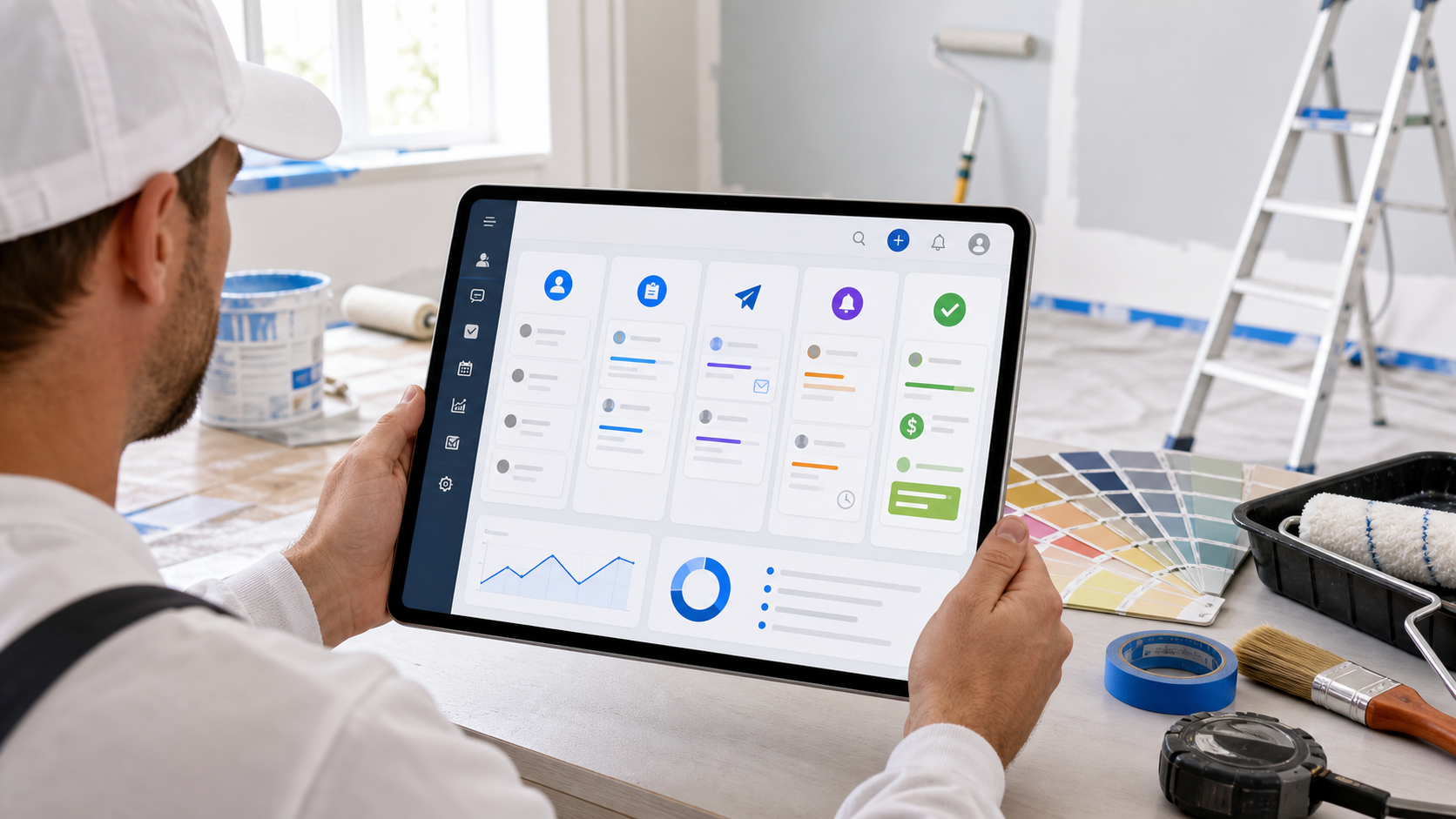
Key Features to Look For in a Painting CRM
Five features define whether a CRM actually works for painting contractors. Most general-purpose tools cover one or two. The tools built for contractor sales cover all five.
-
📋Lead pipeline with visual status tracking See all open estimates at a glance. Know who’s in “estimate sent,” who’s been followed up, and who hasn’t responded in a week. When you’re busy on job sites, a visual pipeline keeps your sales process from falling apart.
-
📲Automated follow-ups after estimates Not reminders to call — automated texts or emails that go out on a set schedule. Day one after the estimate. Day three if no response. Day seven with a final check-in. This is the feature that prevents leads from dying in silence. For templates and timing, see how to follow up after sending a quote.
-
📄Proposals and e-signature workflow Send a proposal, see when it was opened, and trigger a follow-up if it sits unapproved. Deposit collection in the same flow keeps the handoff from estimate to booked job clean.
-
💳Invoicing and payment collection After the job is done, the invoice goes out from the same system. Card or ACH by text link or on-site. No separate invoicing app, no extra step to collect what you’ve already earned.
-
💬Two-way customer texting Painting clients text. A CRM that centralizes all client communication in one thread — separate from personal phones — keeps your team on the same page and your conversations on record.
Best CRM Options for Painting Contractors
When painting contractors search for a CRM, a handful of platforms come up consistently. If you’re looking at the broader best contractor CRM software landscape, the list is longer. Here we compare the tools most relevant to painting businesses on the five criteria that matter most.
| Feature | DripJobs | Jobber | Housecall Pro | Workiz |
|---|---|---|---|---|
| Follow-up automation | ✓ Core | ✗ | Limited | Limited |
| Lead pipeline | ✓ | Limited | Limited | Limited |
| Proposals + e-sign | ✓ | ✓ | ✓ | ✓ |
| Invoicing + payment | ✓ | ✓ | ✓ | ✓ |
| Scheduling / dispatch | Secondary | ✓ Strong | ✓ Strong | ✓ Strong |
Feature availability may change — verify on each tool’s official website before choosing a plan.
At a glance: how each tool positions itself
Built specifically for sales-focused contractors. The core strength is follow-up automation and the full pipeline from lead to payment. Scheduling is available but secondary. A strong fit if closing more estimates is the main goal for your painting business.
Excellent for scheduling, dispatch, and team management. Has proposals and invoicing. Follow-up automation is limited compared to a sales-focused CRM. Better fit if managing a crew is the primary challenge — not lead conversion.
A well-rounded field service platform with scheduling, invoicing, and some marketing features. Solid for operations-focused businesses. Not built specifically around sales pipeline and follow-up automation for estimate-heavy workflows.
Good for communication, scheduling, and phone-based lead capture. Lead pipeline and follow-up automation features are more limited than a dedicated sales CRM. Better suited for businesses where inbound call management is the main need.
Why DripJobs Works Well for Painting Businesses
The Painting Workflow DripJobs Covers
For painting contractors specifically, DripJobs covers the workflow between the first contact and the final payment. Here’s how each step maps to the platform:
- Lead comes in → captured and tracked in the pipeline
- Estimate goes out → automated follow-up sequence starts immediately
- Proposal sent → tracked; follow-up triggered if it sits unreviewed
- Deposit requested → collected through the platform before the job starts
- Job scheduled → managed in the same system
- Work complete → invoice sent from the same platform
- Payment collected → closed out, pipeline updated
That’s the full painting sales cycle in one system. Most tools manage three or four of those steps. DripJobs is designed to cover all of them.
What Makes It Different from Generic Field Service Tools
Most field service management tools are built around the job. DripJobs is built around the sale. Follow-up automation and proposal tracking are core features — not add-ons or workarounds. For painting contractors who send multiple estimates per week, that difference matters.
If you’re specifically weighing the scheduling capabilities, the full DripJobs vs Jobber comparison breaks down when each tool makes more sense. And if proposals and e-signatures are a priority, our guide to contractor proposal software covers what to look for in that workflow specifically.
Pricing note: We don’t list specific DripJobs pricing because it changes. Check current plans, add-ons, and trial availability on the official DripJobs website before committing.
When DripJobs May Not Be the Right Fit
DripJobs isn’t the right fit for every painting contractor. Here’s an honest breakdown of when it makes sense and when it doesn’t.
- You’re sending 5 or more estimates per week
- You want automated follow-ups without manual effort
- You invoice on job completion and need payments from the same system
- Proposals and deposit collection are part of your workflow
- Your main need is crew scheduling and dispatch for a large team
- You’re a solo contractor with low weekly estimate volume
- You need advanced GPS tracking for multiple field technicians
- You’re looking for a free tool with no monthly commitment
If your primary challenge is crew management, a platform like Jobber or Housecall Pro is likely a better fit. If your challenge is converting estimates into booked jobs, DripJobs is more purpose-built for that problem.
How to Choose the Right CRM for Your Painting Business
The right CRM for your painting business is the one you’ll actually use every week. Here’s a four-step process to make the decision clearly.
-
1
Map your current workflow
Where do leads come from? Where do they die? If quotes go out and nobody responds, you have a follow-up gap. If proposals sit unapproved for weeks, you need proposal tracking. Know your weak point before evaluating any tool.
-
2
List the tools you already use
On QuickBooks? Check how the CRM integrates. Using scheduling software your crew relies on? Factor that in. Adding a new CRM doesn’t mean abandoning every existing tool — but you should understand what integrations exist before switching.
-
3
Trial before committing
Most painting CRMs offer a trial period. Don’t commit based on feature lists — commit based on whether the system fits how you actually work during a busy painting week. Run one full job cycle through the tool before making a decision.
-
4
Measure one KPI after 30 days
Track how many estimates you followed up on versus how many you sent. That single number tells you whether the system is working. Don’t switch tools until you have at least one month of real data — changes take time to show results.
Frequently Asked Questions
The right CRM for a painting contractor isn’t the one with the most features. It’s the one that plugs the gap between estimate and signed proposal. For most painting businesses, that gap is follow-up — and it’s the reason jobs go to competitors who are faster to respond.
DripJobs is designed for exactly this workflow. It covers the sales side of a contractor business: pipeline, automated follow-ups, proposals, deposits, and payments in one platform. Scheduling is included, but it’s not the core focus.
If you want to see whether it fits your painting operation, the next step is straightforward.
Ready to See If DripJobs Fits Your Painting Business?
- Automated follow-ups after every estimate
- Proposals with e-sign and deposit collection
- Lead pipeline from first contact to payment
- Customer texting built into the platform
Affiliate link · We may earn a commission if you sign up through our link · Pricing and features may change — verify on the official DripJobs website.
This post contains affiliate links. If you make a purchase through these links, we may earn a commission at no extra cost to you.